
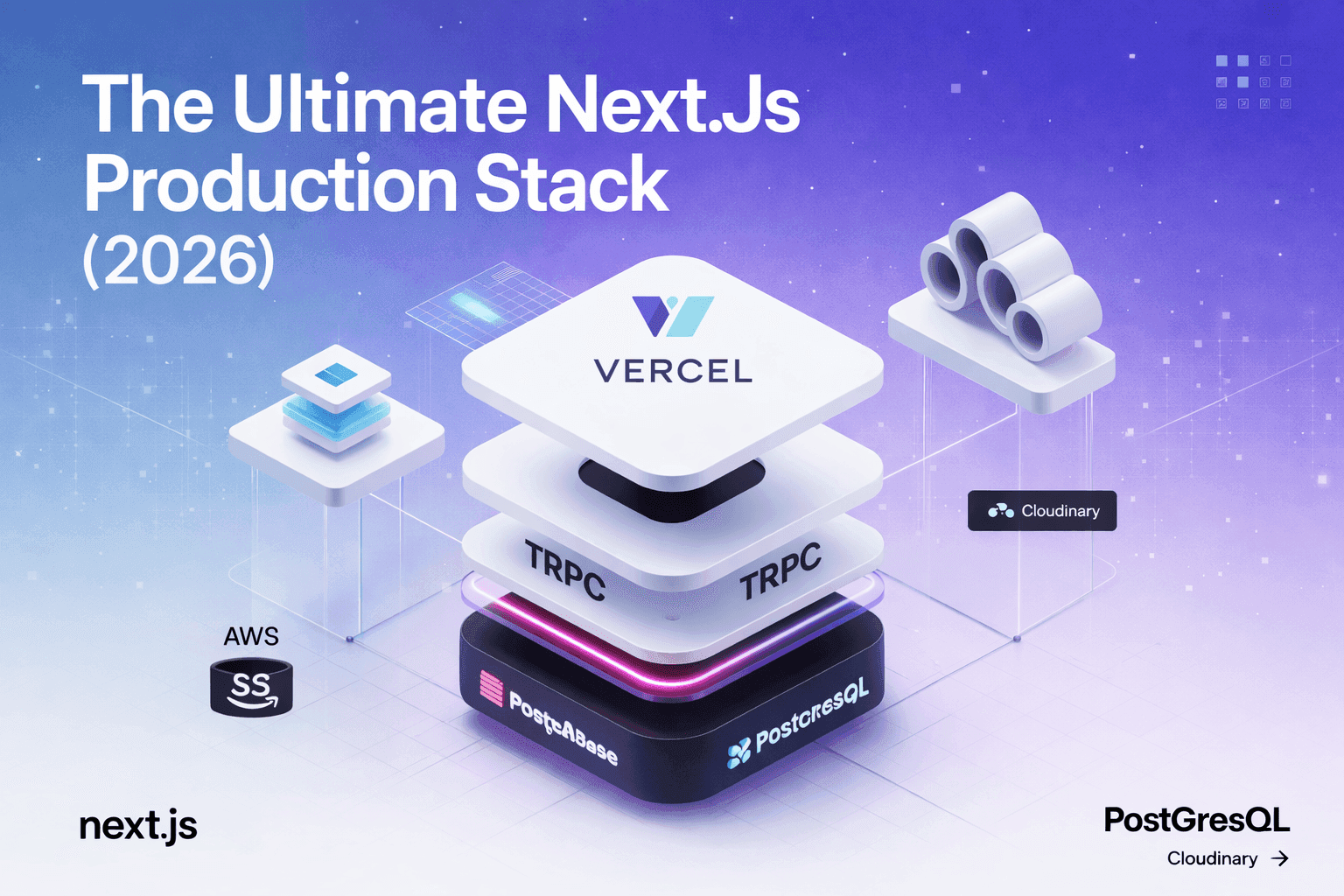
Today, Next.js has become one of the most popular frameworks for modern web development. Developers choose it because it offers excellent performance, built-in SEO capabilities, and a powerful developer experience.
However, many developers stop after completing only a few steps:
- Designing the frontend
- Connecting a database
- Deploying on a hosting platform like Vercel
While this works for small projects, real production systems require a clearer architecture.
A professional website is usually divided into several independent layers. If you follow this structure, your project becomes easier to scale, maintain, and deploy.
In this guide, we will break down a production-grade web application into five major components:
- Frontend
- Backend
- Database
- Image / File Storage
- Deployment Infrastructure
Following this architecture will help you build real-world full-stack applications, not just demo projects.
1. Frontend
For the frontend layer, we will use Next.js, one of the best frameworks for modern web applications.
Why Next.js?
- Built-in SEO optimization
- Hybrid rendering (SSR, SSG, ISR)
- Excellent performance
- Scalable routing system
- Great developer experience
A clean and scalable folder structure is extremely important for production projects.
Recommended Folder Structure
src/
├── app/
│   ├── (root)/
│   │   ├── about-us/
│   │   │   └── page.tsx
│   │   ├── layout.tsx
│   │   └── page.tsx
│   │
│   ├── (dashboard)/
│   │   ├── admin/
│   │   │   └── page.tsx
│   │   └── layout.tsx
│   │
│   ├── api/
│   ├── favicon.ico
│   ├── global.css
│   └── layout.tsx
│
└── components/
This structure allows you to separate landing pages and dashboard layouts, making the project easier to manage.
For example:
(root)→ public website pages(dashboard)→ admin or authenticated areas
SEO Preparation
Once your UI design is complete, the next important step is SEO optimization.
Inside the app folder, you should add three important files.
1. metadata.ts
Used for defining global static metadata.
For dynamic pages, it's better to use generateMetadata() inside the page file.
Example (Static):
export const metadata = {
  title: "Example Website",
  description: "A production ready Next.js application",
};
Example (Dynamic):
import type { Metadata } from 'next'

type Props = {
  params: Promise<{ id: string }>
  searchParams: Promise<{ [key: string]: string | string[] | undefined }>
}

export function generateMetadata({ params, searchParams }: Props): Metadata {
  return {
    title: 'Next.js',
  }
}

export default function Page({ params, searchParams }: Props) {}
2. robots.ts
This file tells search engine crawlers:
- which pages to index
- where the sitemap is located
Example:
export default function robots() {
  return {
    rules: {
      userAgent: "*",
      allow: "/",
    },
    sitemap: "https://examplewebsite.com/sitemap.xml",
  };
}
3. sitemap.ts
Search engines use this file to discover pages on your website.
Example:
export default function sitemap() {
  return [
    {
      url: "https://examplewebsite.com",
      lastModified: new Date(),
    },
  ];
}
Dynamic Sitemap Strategy
If your website contains many dynamic pages (products, posts, etc.), a dynamic sitemap system is better.
Example structure:
app
 ├ sitemap.ts
 └ sitemaps
    └ products
       └ [id]
          └ route.ts
This allows your application to generate dynamic sitemap entries automatically.
Example
import { NextResponse } from 'next/server'

export async function GET(
  request: Request,
  { params }: { params: { id: string } }
) {
  const page = Number(params.id)

  // Example product data
  const products = [
    { id: 1 },
    { id: 2 },
    { id: 3 }
  ]

  const urls = products
    .map(
      (p) =>
        `<url>
          <loc>https://example.com/products/${p.id}</loc>
          <lastmod>${new Date().toISOString()}</lastmod>
        </url>`
    )
    .join("")

  const xml = `<?xml version="1.0" encoding="UTF-8"?>
  <urlset xmlns="http://www.sitemaps.org/schemas/sitemap/0.9">
    ${urls}
  </urlset>`

  return new NextResponse(xml, {
    headers: {
      "Content-Type": "application/xml",
    },
  })
}
SSG and ISR Optimization
Two of the most powerful features of Next.js are:
Static Site Generation (SSG)
Dynamic routes can be pre-generated during build time, which gives you:
- Extremely fast page load
- Excellent SEO performance
Incremental Static Regeneration (ISR)
ISR allows you to update static pages without rebuilding the entire project.
Example:
export const revalidate = 60;This rebuilds the page every 60 seconds in the background.
Combining SSG + ISR gives you the performance of static sites with the flexibility of dynamic applications.
2. Backend
Next.js provides API routes, which are great for small or medium projects.
You can build:
- REST APIs
- database connections
- authentication systems
However, for large production systems, it is often better to use a separate backend service.
One of the best approaches is using a Headless CMS.
Recommended: Strapi
Strapi is a powerful open-source headless CMS that works extremely well with Next.js.
Benefits include:
- Auto-generated REST and GraphQL APIs
- Role-based access control
- Admin dashboard for content management
- Easy media handling
- Flexible content models
Using Next.js + Strapi creates a clean architecture:
- Next.js → frontend application
- Strapi → backend content management
3. Database
For production-grade applications, PostgreSQL is one of the best database choices.
Why PostgreSQL?
- Highly reliable relational database
- Excellent performance at scale
- Strong data integrity
- Widely used in enterprise applications
Popular managed PostgreSQL providers include:
- Neon
- Supabase
These platforms provide:
- managed infrastructure
- automatic backups
- scalable databases
- easy connection with backend services
4. Image / File Storage
Storing files directly inside your application server is not recommended for production systems.
Instead, you should use cloud-based storage.
Two excellent options are:
AWS S3
Advantages:
- Extremely scalable
- Reliable global infrastructure
- Widely used in enterprise systems
- Supports large file uploads
Cloudinary
Cloudinary is particularly great for image-heavy applications.
Benefits include:
- Automatic image optimization
- CDN delivery
- Image transformations
- Resizing and compression
- Easy integration with web frameworks
This helps your website remain fast and optimized globally.
5. Deployment
Once the previous layers are ready, the final step is deployment.
There are multiple ways to deploy a Next.js project.
Option 1 — VPS Hosting
A VPS gives you:
- Full server control
- Custom server configuration
- Scalable infrastructure
This is commonly used for large enterprise systems.
Option 2 — Vercel (Simplest Approach)
For many developers, the easiest method is:
- Push your project to GitHub
- Import the repository into Vercel
- Deploy automatically
- Connect a custom domain
examplewebsite.com
Backend Deployment
For the backend service (Strapi), you can deploy it to:
- cloud servers
- Railway
- VPS infrastructure
Then connect a subdomain like cms.examplewebsite.com
This separation keeps your architecture clean and scalable.
By combining these technologies, you can build a professional full-stack production system.
| Layer | Technology |
|---|---|
| Frontend | Next.js + Vercel |
| Backend | Strapi |
| Database | PostgreSQL |
| File Storage | AWS S3 / Cloudinary |
This architecture is commonly used in modern web applications and SaaS platforms.
Real-World Deployment Checklist
Before deploying your project to production, make sure the following items are completed.
Project Setup
- Clean project structure
- Environment variables configured
-
.envfiles secured - Production build tested locally
SEO Setup
- Metadata configured
- Sitemap generated
- Robots.txt configured
- Open Graph tags added
Performance Optimization
- SSG implemented where possible
- ISR configured for dynamic pages
- Image optimization enabled
- Lazy loading implemented
Security
- API endpoints protected
- Rate limiting enabled
- Authentication implemented
- CORS configured properly
Deployment
- Git repository connected
- Frontend deployed to Vercel
- Backend deployed to Railway or Cloud
- Database connection secured
- Custom domain connected
Following this checklist significantly reduces production issues.
Common Mistakes Developers Make with Next.js Production
1. Using Only Client-Side Rendering
Many developers rely heavily on client-side rendering which hurts SEO and performance.
Suggested:
- Static Site Generation (SSG)
- Server Components
- Incremental Static Regeneration (ISR)
2. Storing Files on the Application Server
Uploading images directly to the application server can create scaling issues.
A better solution is using cloud storage like:
- AWS S3
- Cloudinary
These services provide CDN delivery and automatic optimization.
3. Mixing Frontend and Backend Logic
While Next.js supports API routes, large production systems benefit from separating backend services.
Using a Headless CMS such as Strapi helps maintain a clean architecture.
4. Ignoring Database Scalability
Using unmanaged databases or poorly structured schemas can cause performance issues later.
Managed PostgreSQL services such as Neon or Supabase provide:
- automated backups
- scalability
- reliability
5. Skipping Proper Deployment Strategy
Simply pushing a project to hosting is not enough.
A production-ready deployment includes:
- CI/CD pipeline
- environment management
- monitoring
- backup strategies
Once you master this workflow, building scalable web applications becomes significantly easier.
Read more

Why AI Won't Save Developers From Learning Payment Integration
AI can write frontend components, but big companies still won't trust it with money. Learn the basics of payment integration from Stripe to webhooks and why this skill keeps developers employed.

10 Powerful Chrome Extensions for SEO in 2026 - Tools Every Marketer and Developer Should Know
Looking for powerful SEO tools for Chrome? Discover the best Chrome extensions for SEO analysis, keyword research, technical audits, and competitor tracking - handpicked for 2026.

Next.js Sitemap Guide 2026: Fix Indexing Issues & Build Scalable SEO Architecture
Google discovers your sitemap but pages stay 'Discovered - currently not indexed'. Learn how to implement paginated sitemaps with Next.js for large sites.