

Why You Need SEO Tools Inside Your Browser
Search engine optimization isn’t just about writing content anymore. Modern SEO means spotting technical errors, understanding search intent, spying on competitors (fairly), and constantly checking how pages perform. The problem is most SEO tools are expensive, slow, or force you to jump between different dashboards.
That’s where Chrome extensions shine. They live right in your browser, give you instant data without leaving the page, and many are completely free. After testing dozens of them over the years, I’ve put together a list of the ones that actually save time and help you make better decisions.
If you are searching for Best chrome SEO tools, you’ll find hundreds of options. But only a few are worth installing.
1. Ahrefs SEO Toolbar
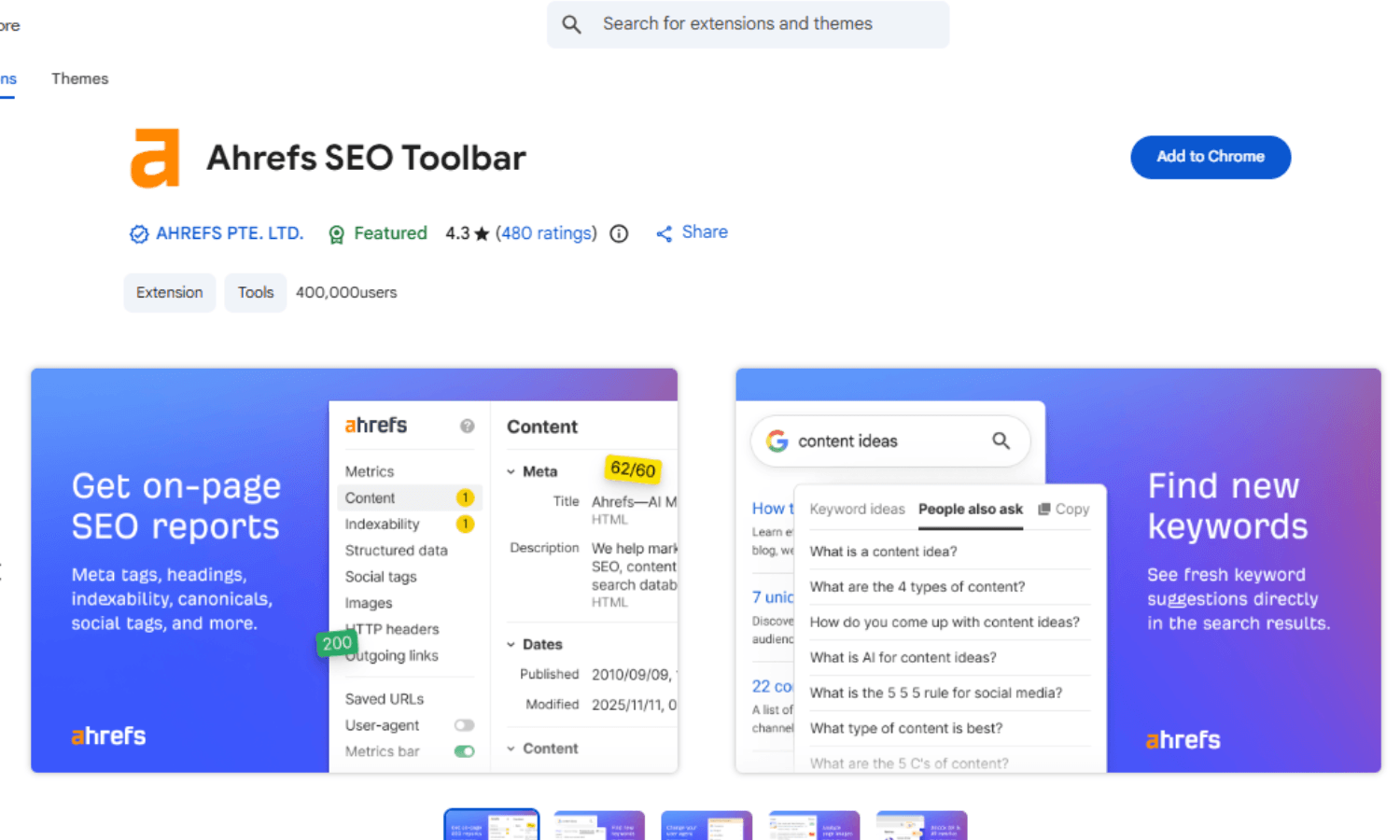
The Ahrefs SEO Toolbar is my first stop for any on‑page analysis. Once installed, it shows you the page title, meta description, headings, canonical tags, and whether the page is indexable. It also highlights structured data (schema) and breaks down internal vs external links.
What makes it truly useful is how it integrates with Google search results. Next to every result, you see Ahrefs metrics like Domain Rating (DR) and backlink count. That’s gold for competitor research. If you care about website and seo analysis chrome style tools, this is the benchmark.
Best for: On‑page SEO checks, competitor spying, quick SERP insights.
2. SEOQuake
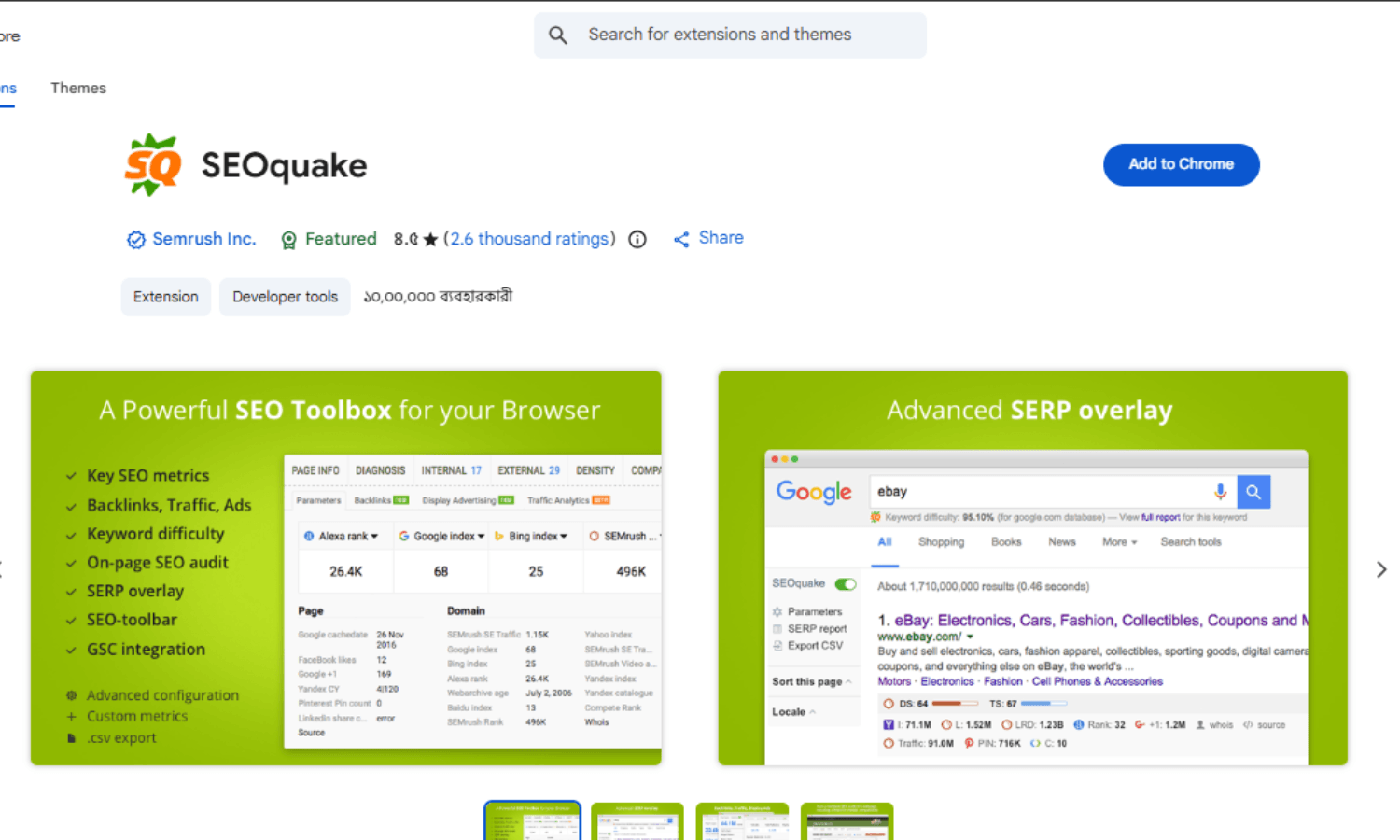
SEOQuake has been around for years, and it’s still one of the most reliable free options. It gives you a dense but useful overlay of metrics like domain age, indexed pages, backlink profile (from SEMrush), and traffic estimates.
People who are looking for seo tools for chrome that don’t cost anything, SEOQuake is hard to beat. It’s not the prettiest, but it gets the job done.
Best for: Quick metrics, SERP exports, page comparison.
3. Keyword Surfer
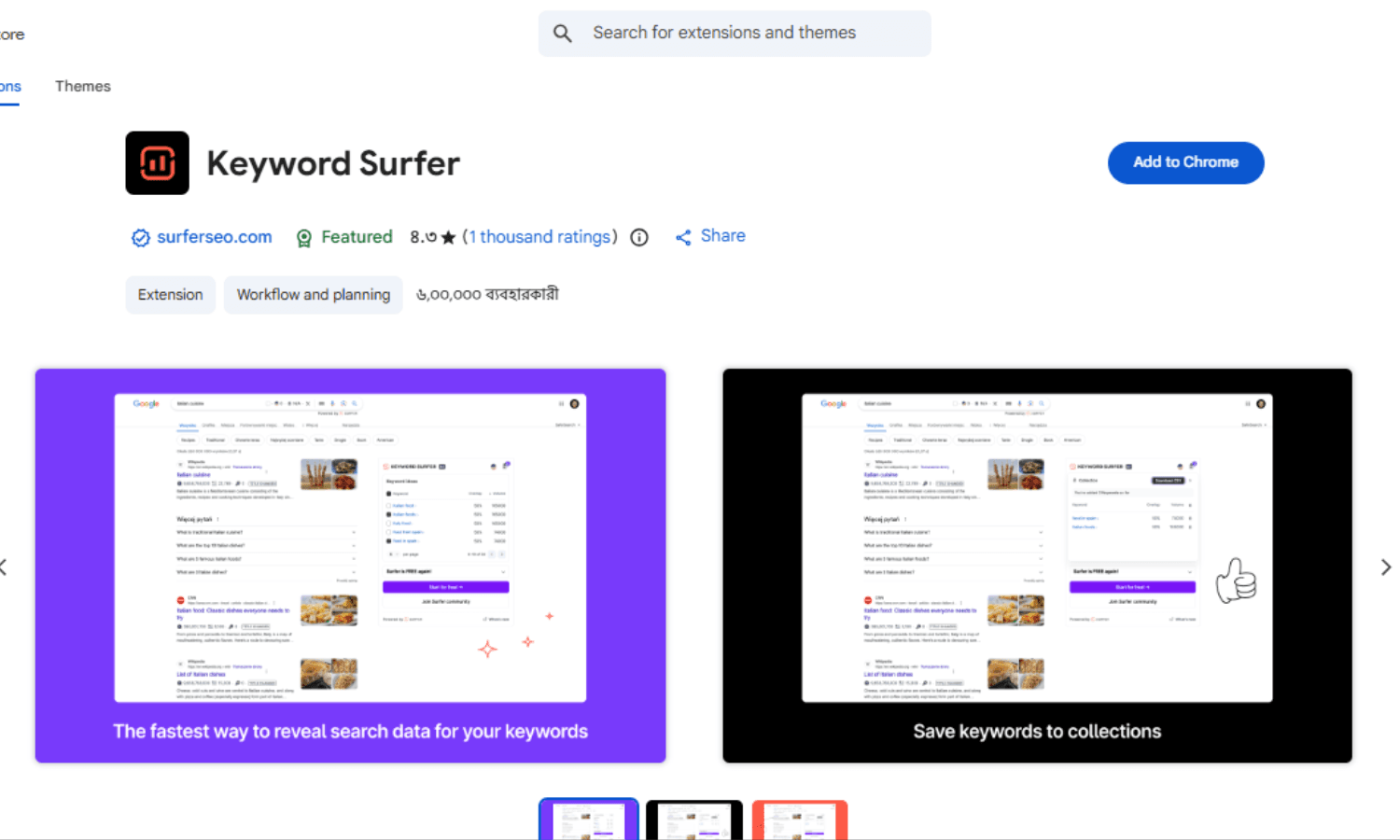
Most keyword research tools require logging into a separate dashboard. Keyword Surfer lives inside Google search results. When you type any query, it shows search volume, related keywords, and estimated traffic for the top ranking pages. No clicks, no extra tabs.
For bloggers and content marketers, this is probably the most time‑saving seo chrome extension you can get. It also helps you find long‑tail ideas while you’re doing normal searches.
Best for: Fast keyword research, content planning, search volume checks.
4. Detailed SEO Extension – Clean Technical Overview
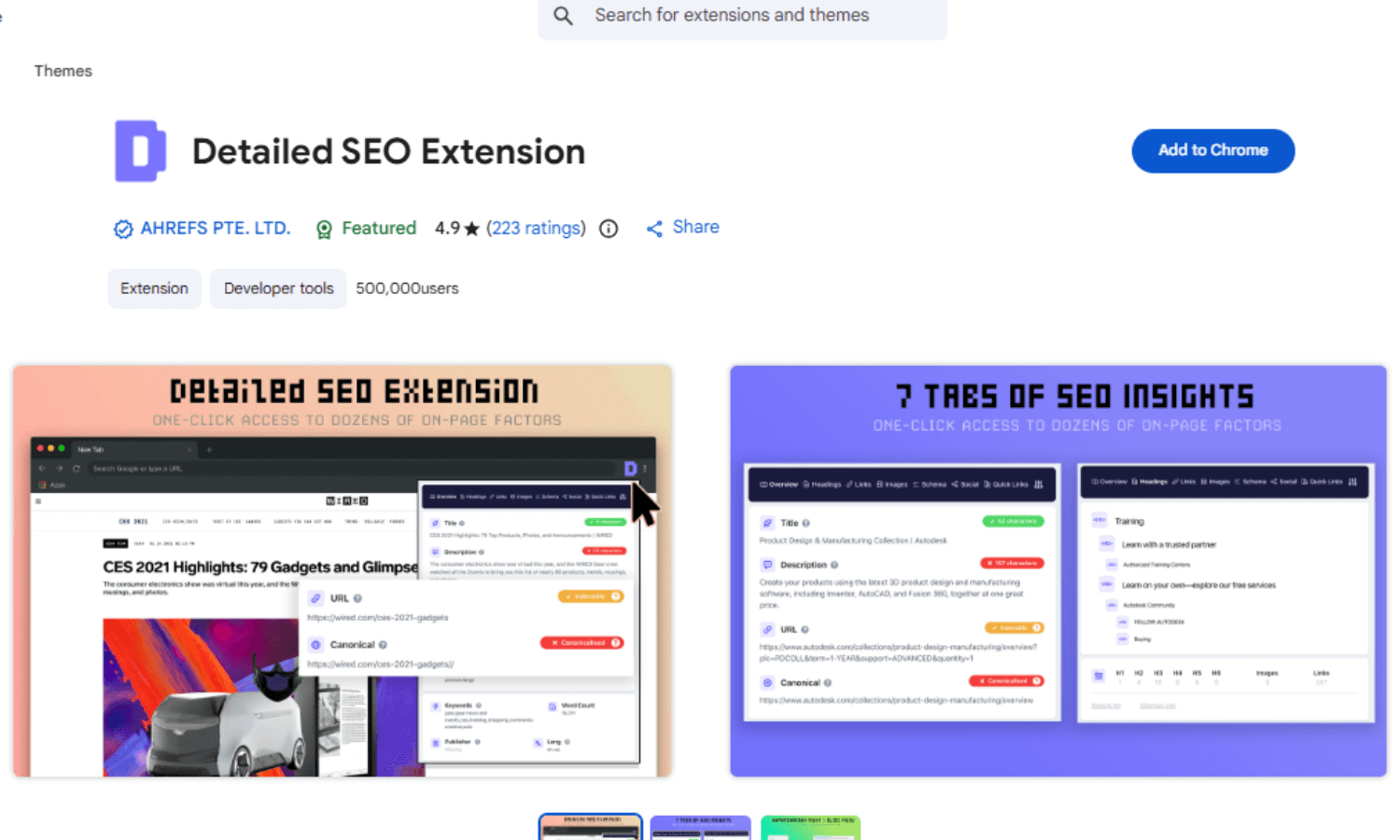
Sometimes you just want to see the raw SEO elements of a page without any clutter. Detailed SEO Extension gives you a popup with titles, meta tags, canonical, robots, structured data, and link counts. It’s lightweight and doesn’t slow down your browser.
Best for: On‑page structure, fast technical checks, sharing SEO data with teams.
5. Lighthouse (Built into Chrome DevTools)
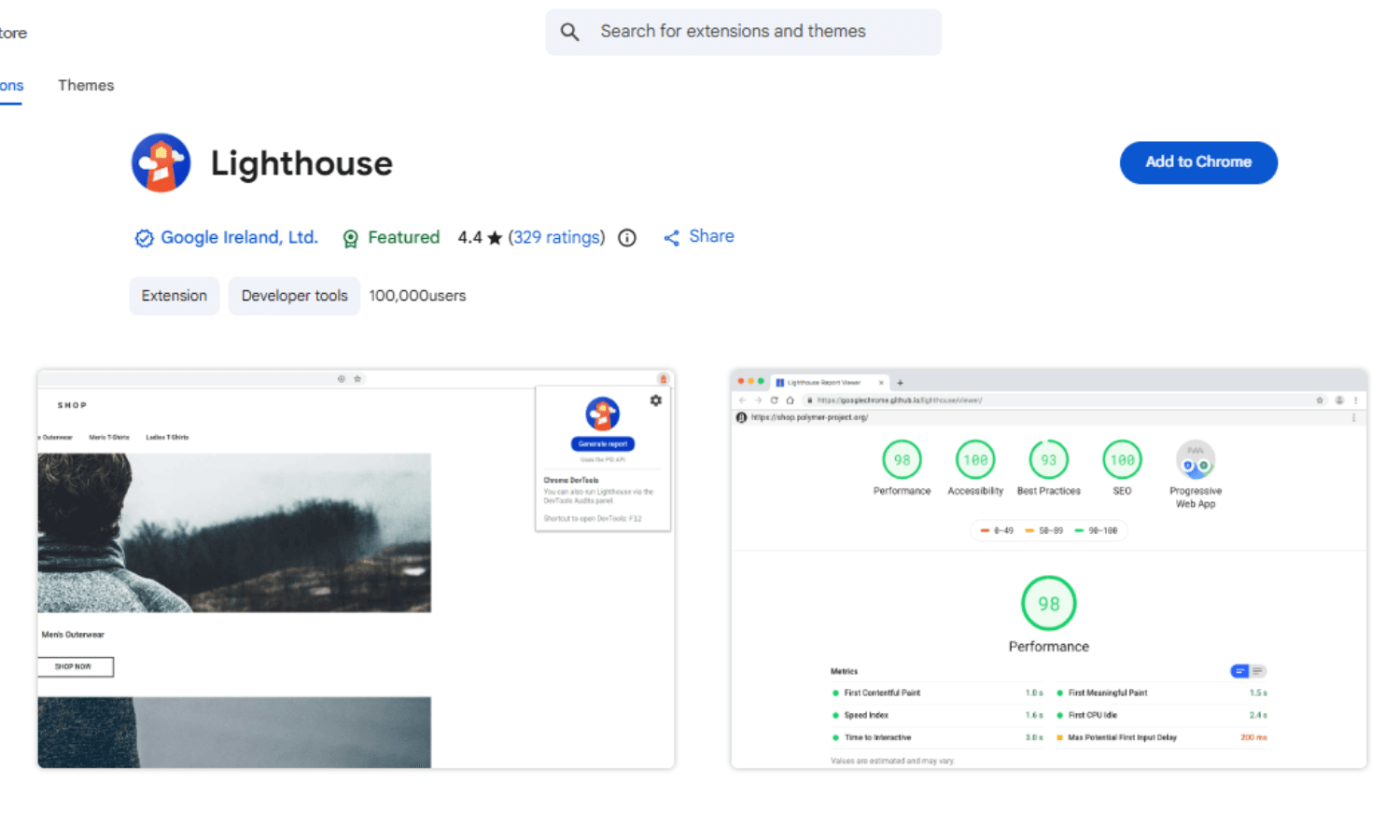
Lighthouse is not a typical extension, it’s built directly into Chrome DevTools. But it’s too important to skip. It runs an audit on any page and gives you scores for performance, accessibility, best practices, and SEO.
Many people think seo for extension companies only means third‑party tools, but Google’s own Lighthouse is the most accurate for Core Web Vitals and page speed issues.
Best for: Performance audits, Core Web Vitals, Google’s own SEO recommendations.
6. Redirect Path
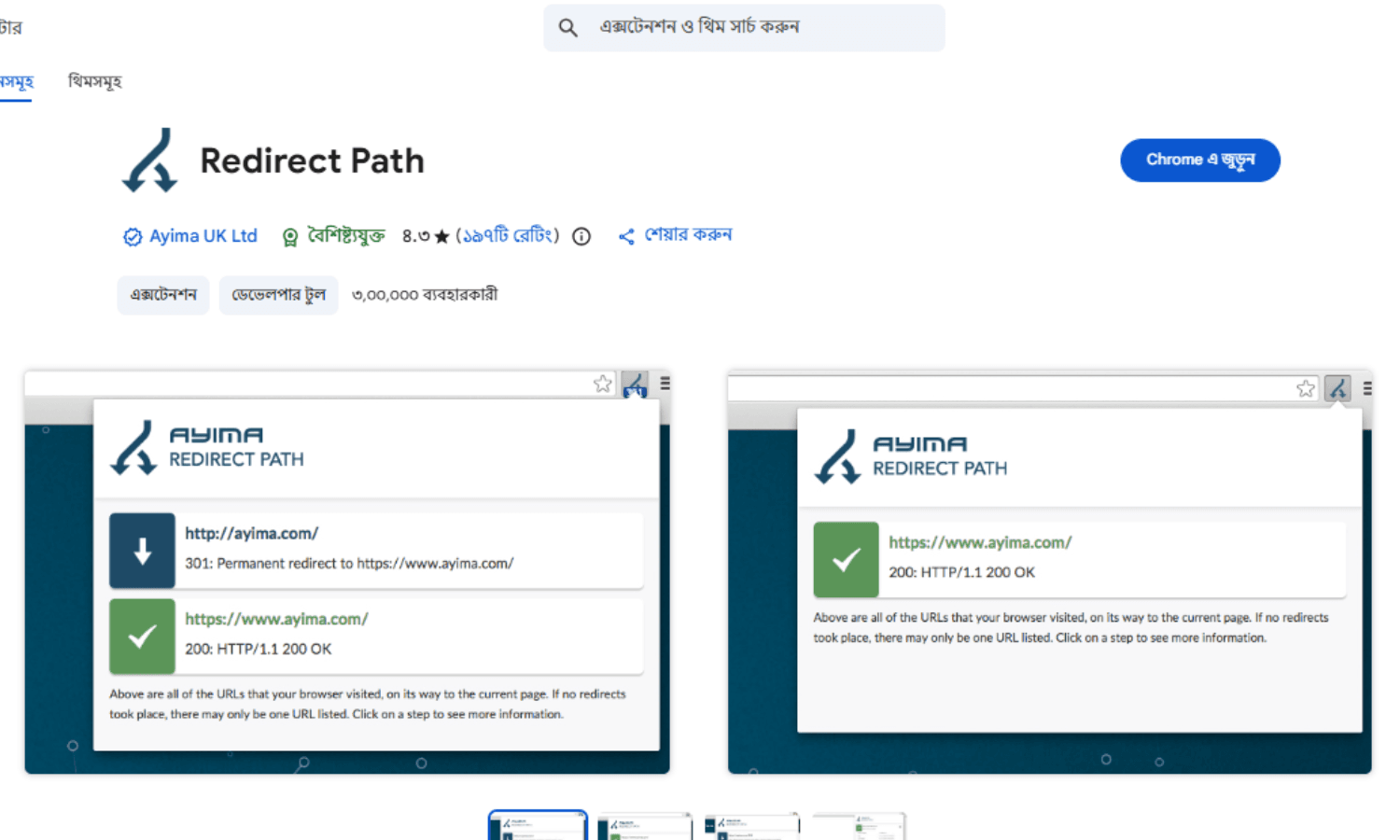
Broken redirects and soft 404s are silent killers for SEO. Redirect Path shows you the HTTP status code of every link you click or type in the address bar.
Best for: Debugging redirects, spotting 404s, checking server responses.
7. Meta SEO Inspector
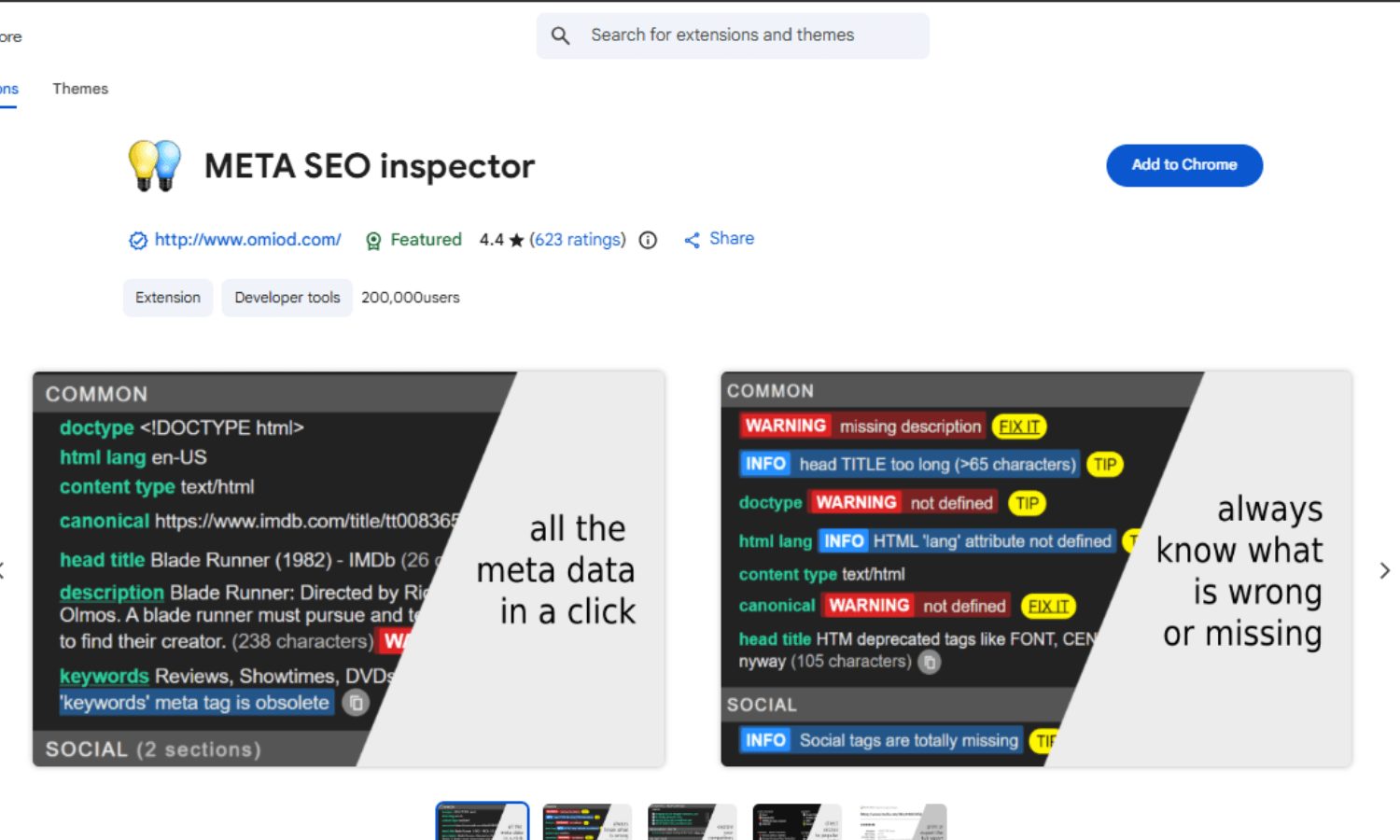
This extension focuses entirely on meta tags such as title, description, Open Graph, Twitter cards, canonical, and schema markup. It highlights missing or duplicate tags in red, so you can fix them immediately.
Best for: Meta tag debugging, social preview checks, schema validation.
8. Ubersuggest Chrome Extension
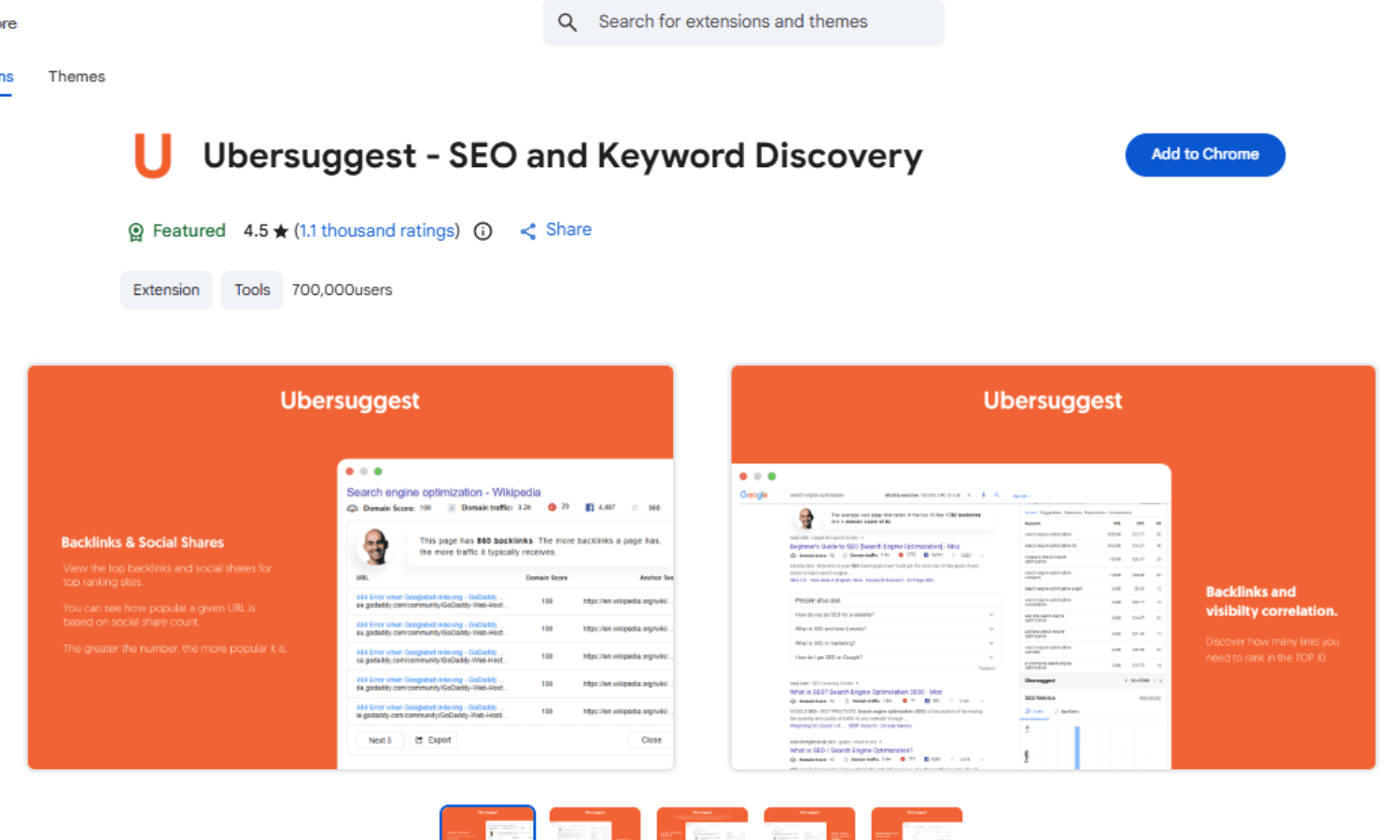
Ubersuggest’s extension shows search volume, SEO difficulty, and estimated visits for any keyword directly in Google or YouTube search results. It also gives you a domain overview for any site you visit.
Best for: Alternative keyword research, domain overviews, free tier users.
9. Check My Links
Broken links hurt user experience and waste crawl budget. Check My Links scans an entire webpage and highlights all working (green) and broken (red) links. One click, and you get a full report.
Best for: Broken link detection, internal linking maintenance, affiliate link checks.
10. SEO Search Simulator by Nightwatch
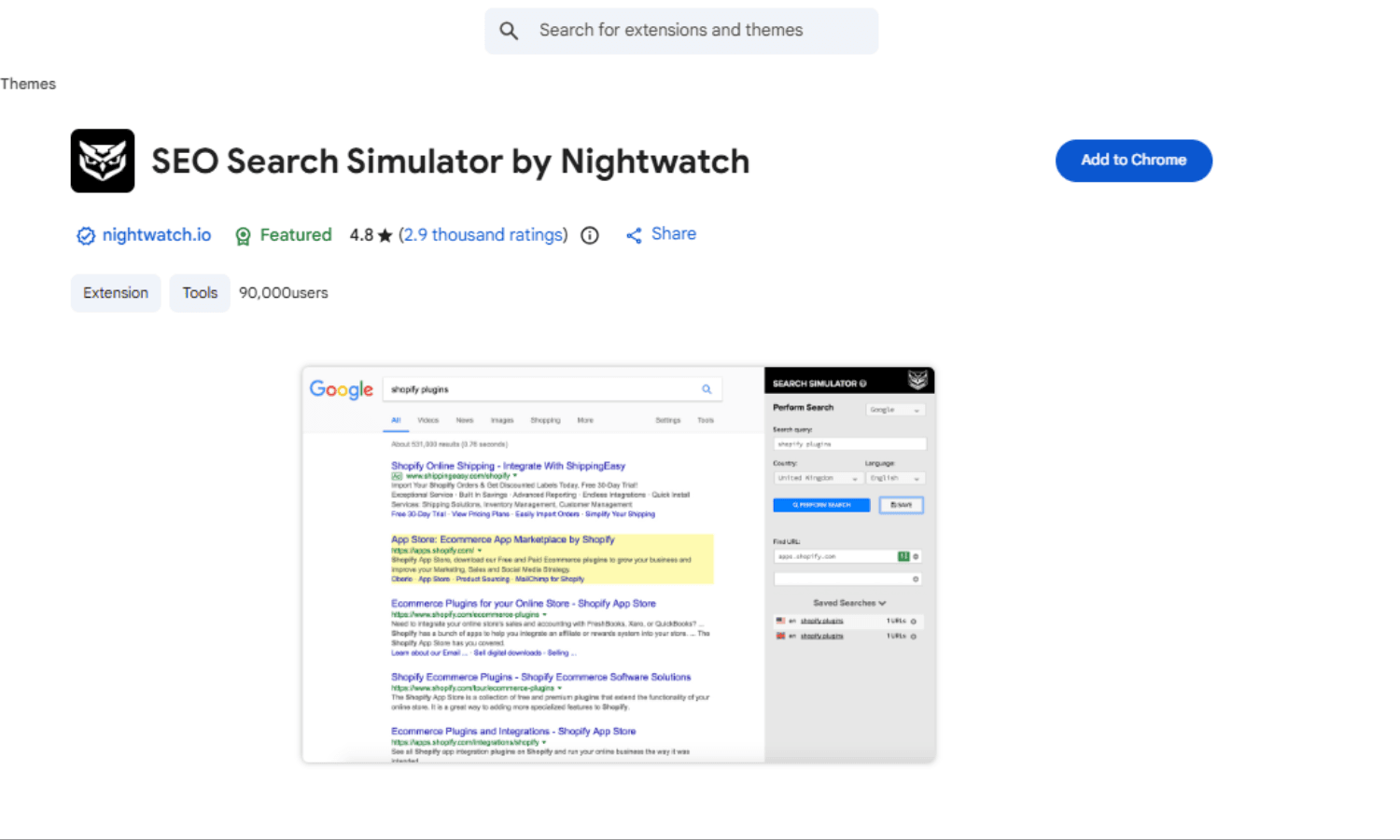
Rankings differ by location. This extension lets you simulate Google search results from any country without a VPN. It’s essential for international SEO or agencies managing clients in different regions.
Best for: Localised SERP checking, international keyword tracking, geo‑specific audits.
What is the best free SEO Chrome extension in 2026?
For most users, SEOQuake offers the broadest set of free features: SERP metrics, on‑page audit, and page comparison. If you only do keyword research, Keyword Surfer is the best free choice. For technical SEO, Lighthouse (built into Chrome) is unbeatable and completely free.
Read more
Why AI Won't Save Developers From Learning Payment Integration
AI can write frontend components, but big companies still won't trust it with money. Learn the basics of payment integration from Stripe to webhooks and why this skill keeps developers employed.
Next.js Sitemap Guide 2026: Fix Indexing Issues & Build Scalable SEO Architecture
Google discovers your sitemap but pages stay 'Discovered - currently not indexed'. Learn how to implement paginated sitemaps with Next.js for large sites.

What Is a Modern Developer Stack in 2026?: A Practical Guide to Building Real Production Systems
Many tutorials teach modern web stacks through simple demo projects, but real production systems require deeper understanding. This guide explains the practical skills developers need to build secure, scalable applications using Next.js, APIs, authentication, databases, and modern web architecture.