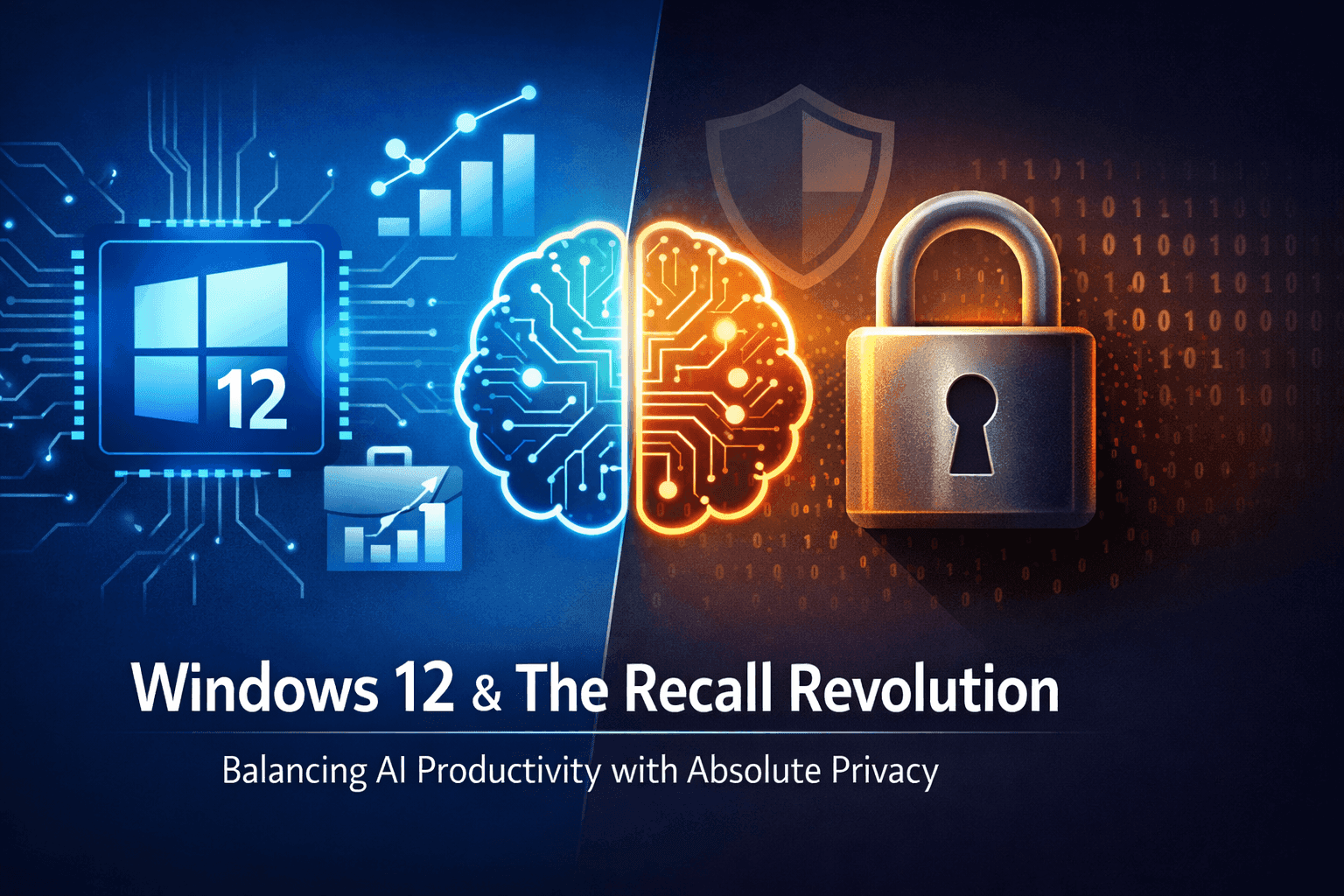
Your operating system isn’t just software anymore - it’s an intelligent assistant that listens, learns, and predicts. But at what cost?
The Shift: From Tool to Companion
In 2026, your OS has evolved from a tool into a companion — one that watches, learns, and sometimes decides before you do. Apple, Google, and Microsoft have transformed their platforms into AI-powered ecosystems designed to anticipate your needs.
But here’s the question no marketing campaign will answer:
What does your OS know about you and who does it answer to?
What Your OS Actually Knows About You
Let’s cut through the abstract. When we say your OS “knows” you, we mean it collects data across nearly every dimension of your digital life.
Here’s what that looks like in practice:
| Data Type | Examples | Why It’s Collected | The Hidden Risk |
|---|---|---|---|
| Personal Activity | App usage, clicks, screen time | Improve recommendations | Behavioral profiles sold to advertisers |
| Communication | Emails, chats, voice commands | Smart replies & summaries | AI “listening” to private conversations |
| Location Data | Live location, frequent places | Context-aware suggestions | Precise movement patterns exposed or leaked |
| Behavior Patterns | Daily routines, habits | Predictive assistance | OS knows your schedule better than you do |
| Files & Media | Photos, documents, notes | AI search & automation | Sensitive content analyzed in the cloud |
In simple terms: Your OS is building a digital profile of your life - one that grows more detailed every day.
Why AI Demands So Much Access
AI isn’t magic. It’s math - and math needs data.
For example:
- To suggest a reply, it reads your conversations.
- To remind you of a task, it tracks your habits.
- To summarize a document, it analyzes your files.
Without data, AI is blind. With data, it becomes eerily prescient.
That’s the bargain we’ve quietly accepted: we trade access for convenience.
The Privacy Trade-Off: What You Gain vs. What You Risk
Let’s be honest about what’s on the table.
What You Gain
- Faster, frictionless workflows
- Deeply personalized experiences
- Automation of repetitive tasks
- Recommendations that feel intuitive
What You Risk
- Constant background tracking
- Cloud-based storage of intimate data
- Potential misuse by companies or attackers
- Erosion of control over your digital identity
The question isn’t whether you gain something. It’s whether the price is worth paying.
How Big Tech Handles Your Data - A Side-by-Side Look
Not every company treats your data the same way. Here’s how the three giants compare in 2026.
Apple: The Privacy-First Walled Garden
Apple leans hard into on-device AI. Your data stays on your phone whenever possible. Cloud processing is limited, and the company takes an aggressive public stance on user privacy.
The trade-off: Slightly less aggressive AI features. You gain peace of mind but may miss out on the kind of predictive power Google offers.
Google: The Data-Driven Brain
Google’s AI thrives on cloud processing. Your data flows freely across Search, Gmail, Maps, Android, and beyond. The result is an assistant that often feels like it knows what you’re going to do before you do.
The trade-off: Unmatched AI power but you pay with your data. Privacy controls exist, but the system is designed to collect.
Microsoft: The Productivity Powerhouse
Microsoft embeds AI deeply into work environments: documents, emails, meetings, and workflows. Its AI copilots are designed to boost productivity, but they require access to your most sensitive professional data.
The trade-off: Massive productivity gains but enterprises and individuals alike must trust Microsoft with their intellectual property and communications.
Ecosystem Lock-In: Why You Can’t Easily Leave
You → Device → OS → AI Layer → Cloud → Company Ecosystem
Once you’re inside:
- Your data syncs across every device
- AI learns your behavior patterns
- Services become deeply interconnected
Switching platforms isn’t impossible — but it’s painful. Not because companies forbid it, but because they’ve made it feel like leaving would mean starting your digital life over from scratch.
The Illusion of Control
Many users assume:
“I can just turn off tracking.”
But in reality:
- Privacy settings are often buried in menus
- Disabling certain features breaks functionality
- Some data collection is unavoidable - even in “private” mode
You’re not fully controlling the system. You’re adjusting it within limits set by the company that built it.
Real Privacy Concerns in 2026
Let’s move beyond theory. These are the actual risks users face today:
1. Passive Listening
Your AI assistant is always “ready.” That means it’s always listening, increasing the chances of unintended data capture, even when you didn’t invoke it.
2. Predictive Behavior Tracking
Your OS doesn’t just track where you’ve been. It can predict where you’re going, what you’ll search for, and even how you’re feeling - often with unsettling accuracy.
3. Cross-Device Tracking
Your phone, laptop, tablet, watch, and smart speaker are connected. A conversation near one device can influence ads or recommendations on another.
4. Large-Scale Data Breaches
The more data centralized in cloud systems, the juicier the target for hackers. A breach doesn’t just expose passwords, it exposes your habits, location history, and private communications.
Your Entire Life Is Now an Ecosystem
This isn’t just about your phone anymore. Your OS connects to:
- Smart speakers
- Wearables
- Cars
- Home automation systems
Your digital and physical life are merging into a single, integrated system - one that’s owned and operated by a handful of corporations.
How to Protect Your Privacy (Without Going Offline)
You don’t have to abandon technology to take back control. You just have to use it smarter.
Practical Privacy Checklist:
-
Review privacy settings quarterly — companies change policies and defaults often
-
Turn off unnecessary permissions — does your calculator really need location access?
-
Use offline features when possible (Apple’s on-device processing, local storage options)
-
Limit access for sensitive apps — grant permissions temporarily when you can
-
Never hit “Accept All” without reading what you’re agreeing to
-
Consider privacy-first alternatives — DuckDuckGo, Signal, ProtonMail, and Firefox still exist
The Future: Two Roads Diverged
We’re entering a fork in the road:
Path 1: Full AI Integration
- Maximum convenience
- Deep personalization
- High data usage and cloud dependency
- Less individual control
Path 2: Privacy-Centric Technology
- Greater user control
- Local-first or on-device AI
- Less automation
- Slower AI progress
The choice isn’t between having AI and not having it. The choice is between convenience as a service and privacy as a right.
Your OS in 2026 is more powerful than ever. It can anticipate your needs, streamline your work, and simplify your life. But that power comes from access — to your location, your conversations, your habits, and your files.
You don’t have to reject AI. But you should understand what you’re trading, who’s collecting, and how to protect the parts of your life you’d rather keep private.
Quick Summary
| Question | Answer |
|---|---|
| What does my OS know? | Location, activity, communications, habits, files |
| Who collects my data? | Apple, Google, Microsoft — and their partners |
| Can I stop tracking? | Partially, but turning off features reduces functionality |
| Which ecosystem is most private? | Apple (on-device focus) |
| Which is most powerful? | Google (cloud-driven AI) |
| How do I protect myself? | Audit settings, limit permissions, use offline/local features |
This article is for informational purposes and does not constitute legal or security advice. Privacy practices vary by region and device configuration.